
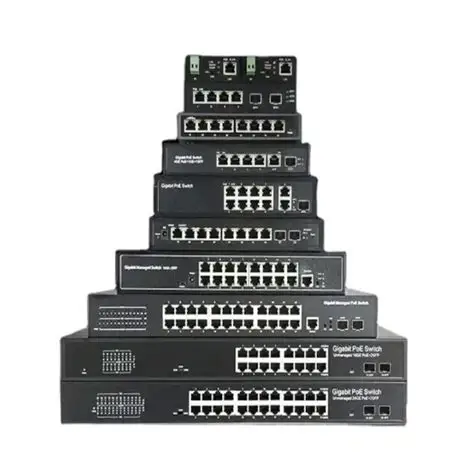
If you’re setting up a home lab for networking, cybersecurity, or IT practice, a network switch is a must-have. It lets you connect several devices, set up VLANs, and create a network that feels like the real thing. Picking the right switch can make your home lab much better, no matter your skill level.
Here are some of the top network switches for home labs in 2026:
TP-Link TL-SG108
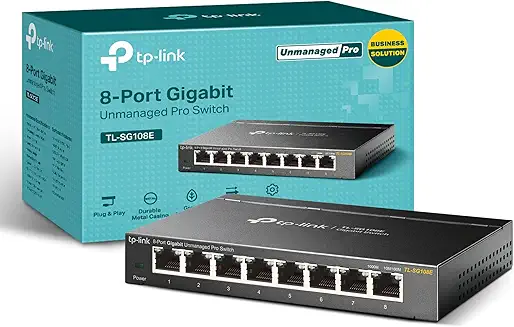
The TP-Link TL-SG108 is a great budget switch for beginners. Since it’s unmanaged, you just plug it in, and it works—no setup needed. This makes it ideal for small home labs and simple setups. Price
Pros:
– Affordable price
– Easy plug-and-play setup
– Reliable performance
– Compact design
Cons:
– No advanced features
– No VLAN or management options
NETGEAR GS308E
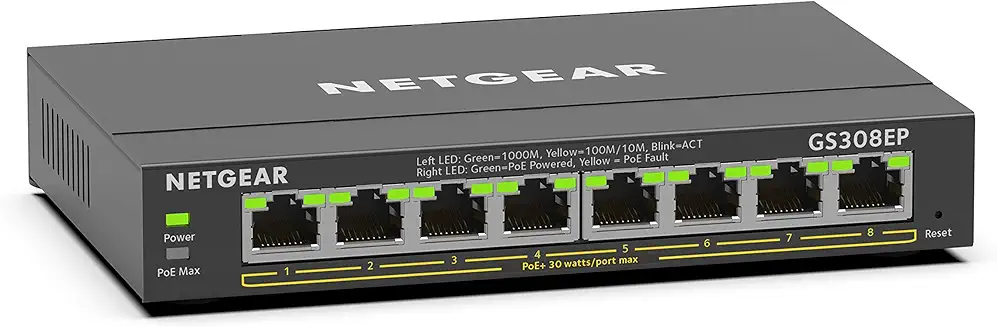
The NETGEAR GS308E is a smart managed switch that gives you more control than basic models. You can set up VLANs and monitor network traffic, so it’s a good choice if you want to learn more about networking. Price
Pros:
– Supports VLAN configuration
– Easy-to-use interface
– Affordable managed option
– Good for learning networking basics
Cons:
– Limited advanced enterprise features
– The interface is basic compared to higher-end models
TP-Link TL-SG2210MP
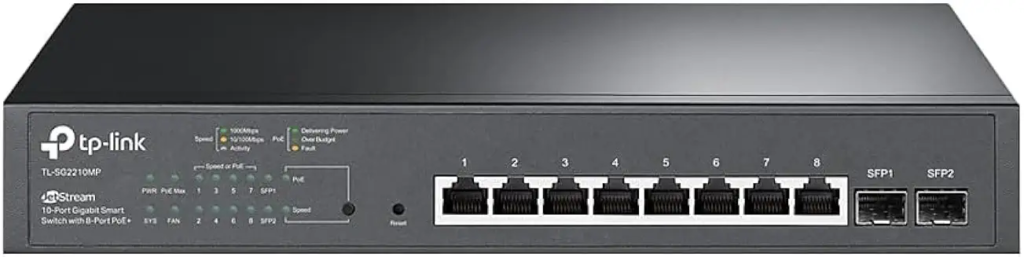
The TP-Link TL-SG2210MP is a managed switch with Power over Ethernet (PoE), making it ideal for more advanced home labs. You can power devices such as access points, IP cameras, and VoIP phones directly from the switch. Price
Pros:
– PoE support
– Advanced VLAN features
– Strong performance
– Good for expanding home labs
Cons:
– More expensive than basic switches
– Requires some networking knowledge
Cisco Catalyst 2960 (Used)
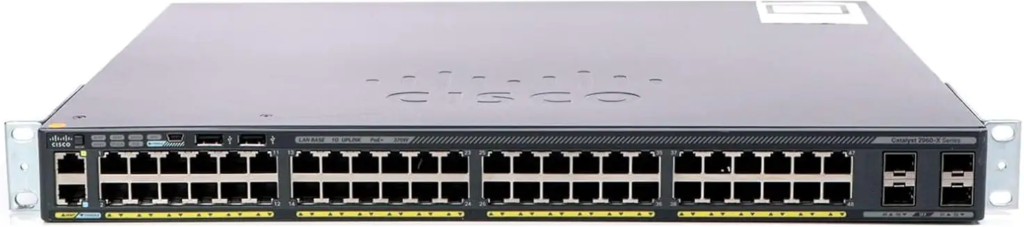
The Cisco Catalyst 2960 is a solid pick if you want hands-on enterprise experience. Many home lab users buy it used since it’s affordable and common in real networks. It’s perfect for practicing Cisco setups and CLI skills. Price
Pros:
– Enterprise-level features
– Great for learning Cisco CLI
– Widely used in real networks
– Durable and reliable
Cons:
– Requires networking knowledge
– Older hardware
– Can be noisy and power-hungry
Final Thoughts
The right switch for your home lab depends on your experience and what you want to do. If you’re new, the TP-Link TL-SG108 is a great place to start. If you want to learn about VLANs and network management, try the NETGEAR GS308E. For advanced setups, the TP-Link TL-SG2210MP has strong features like PoE. If you want real enterprise experience, the Cisco Catalyst 2960 is a top learning tool.
A good network switch helps you grow your home lab, build your networking skills, and make your setup feel more like a real IT environment.
If you’re serious about your home lab, getting the right switch is a smart way to boost your skills and get real hands-on experience.
